
How to redeem a Microsoft Store key on a Windows 10 PC
Published January 4, 2015
Welcome to our tutorial on how to redeem a Microsoft Store key! If you have recently purchased a Microsoft Store game key from GameFools, you may be wondering how to redeem it and start playing your game. Don't worry, the process is actually quite simple and only requires a few steps. In this blog post, we will walk you through the process of redeeming your Microsoft Store key and getting your product up and running. Whether you are a seasoned tech expert or a beginner, this tutorial is designed to help you get your product activated and ready to use as quickly and easily as possible. So let's get started!
- Open the Microsoft Store app on your Windows 10 PC
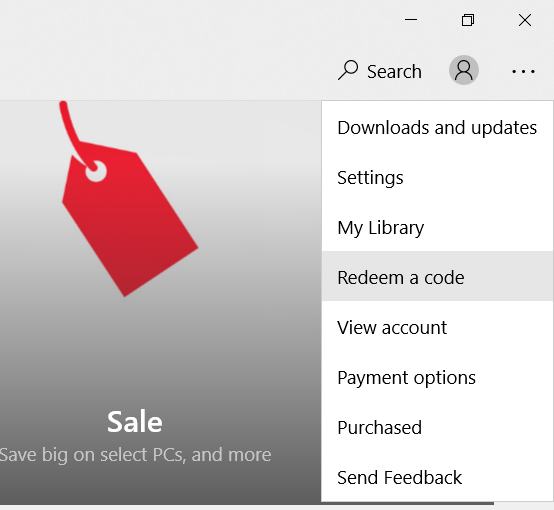
- Click the ... in the top-right corner.
- Select Redeem a code.
- Enter your 25-character code.
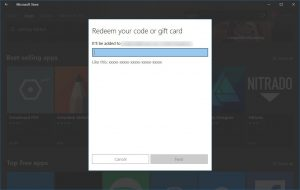
- Click Next.
- Click Confirm to complete your redemption.
- Find the store page for the item and you'll be able to install it for free.
- Enjoy!