
How To Redeem Origin Keys
Published January 24, 2015

- Sign up for an Origin account here.
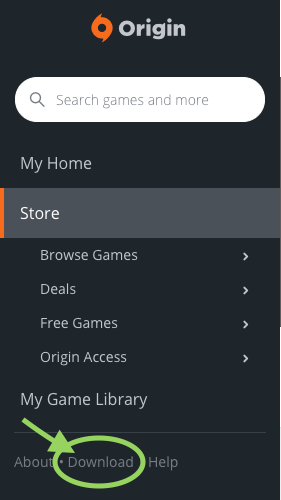
- Once you are logged into your Origin account, download the Origin client to your computer via the 'Download' option in the left panel.
- Complete the installation of the Origin client (required for Origin game keys).
- Open the Origin client that has been installed on your computer and login with your new or existing username and password.
- Once open, click the "My game library" option on the left panel. This will allow you to enter your key/ Product Code from your GameFools download page.
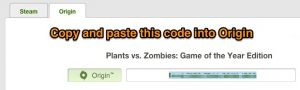
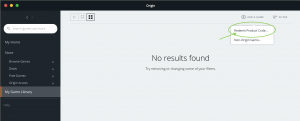
- Once you copy and paste the key/ Product Code into Origin press Enter or click Next. Click Next again to confirm redeeming of the game. It has now been added to your Origin library.
- If you run into any problems with the Origin program or your account, please contact EA Support here.
- Enjoy!